Your work, organized visually
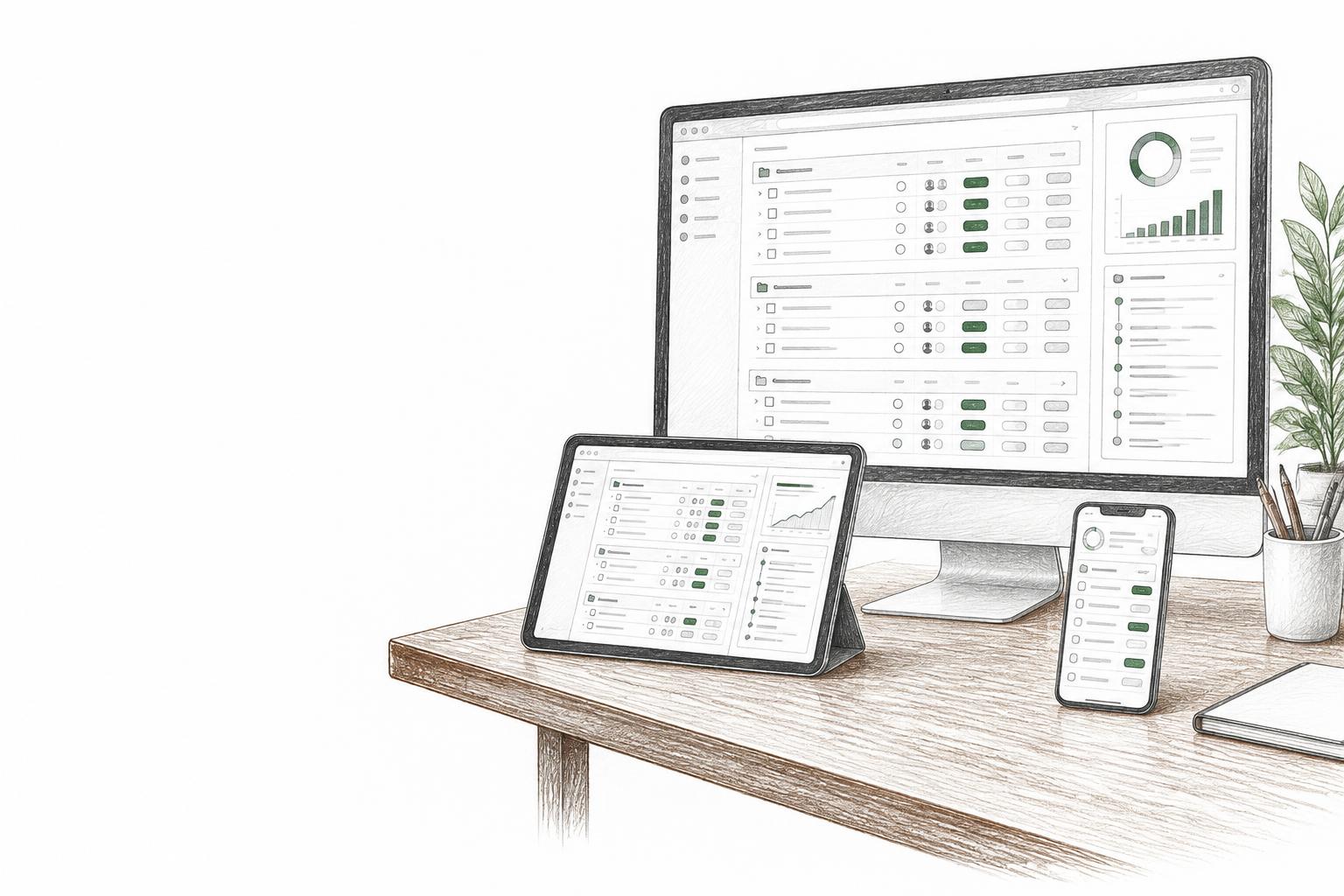
Design rows and columns around your team: statuses, dates, people, notes, amounts, and more. Color-coded dropdowns make the next step clear.
MPOINT ANALYTICS · VISUAL WORK TRACKING
Every subject. Every team. A clear view of the work.
Track recruiting, sales, HR, sites, payroll workflows, or anything your company needs to monitor. A shared, always-current workspace puts every record, owner, and status in view.
Standalone service · Optional MPoint-OS pairing · Custom quote
Each team has its own boards. Boards contain groups — such as clients, orders, or projects — and groups hold individual records, such as employees, tasks, or job assignments. Your columns capture what matters, and everyone with access can see exactly where work stands.
Job orders, candidates, interviews, placements, and shift confirmations — by office and recruiter.
Leads, clients, follow-ups, opportunities, and pipeline stages — by salesperson or territory.
Onboarding, employee tasks, training, documents, and internal requests.
Location tasks, audits, work orders, crews, and open issues across offices or sites.
Track payroll tasks, approvals, outstanding items, and deadlines. Payroll processing and integrations are scoped separately.
Projects, orders, cases, inventory tasks, or your own process — with columns and statuses designed around it.
Design rows and columns around your team: statuses, dates, people, notes, amounts, and more. Color-coded dropdowns make the next step clear.
Live group counts — such as 4 of 10 filled — show managers how close a job or assignment is to completion.
Keep departments, offices, and locations separate. Restrict sensitive records to the specific people who need them.
Completed work is organized by week. Find past records, preserve previous work, and restore completed or deleted items to their original place.
When someone changes a record, the rest of the team sees it immediately — without refreshing or juggling versions.
Use Boards on a computer, tablet, or phone, with your team’s work and updates available wherever the day takes them.
Admin, Manager, and User roles govern viewing, editing, creating, and managing work. Administrators create accounts; Boards has no public sign-up.
See who completed what, where work stands, and how activity is trending — by person, office, and week.
01
We configure your boards, columns, statuses, departments, and locations to match how your company works.
02
Each team member receives an administrator-created account with the access they need.
03
Add records, click to update statuses, drag items into place, and attach notes or details.
04
Managers follow live progress, completion history, and weekly reports without an end-of-week scramble.
05
Add boards, columns, and teams as your needs change, without disturbing work already in place.
Staffing and recruiting, logistics and warehousing, construction and field services, healthcare and home care, property management, manufacturing, professional services, and retail or multi-location operations.
Sensitive healthcare, HR, and payroll workflows require agreed access controls and data requirements during scoping; Boards is not a claim of regulatory certification.
BETTER TOGETHER. NOT REQUIRED TOGETHER.
You do not need MPoint-OS to use Boards. Start with the tracking your team needs, or pair it with a custom operating system for a coordinated workflow. Any connections, setup, and support are confirmed in your quote.
Pricing is by quote. Requesting a quote does not place an order or require payment.