AI video editing by MPoint Analytics
MPoint Motion
Your footage. Set in motion.
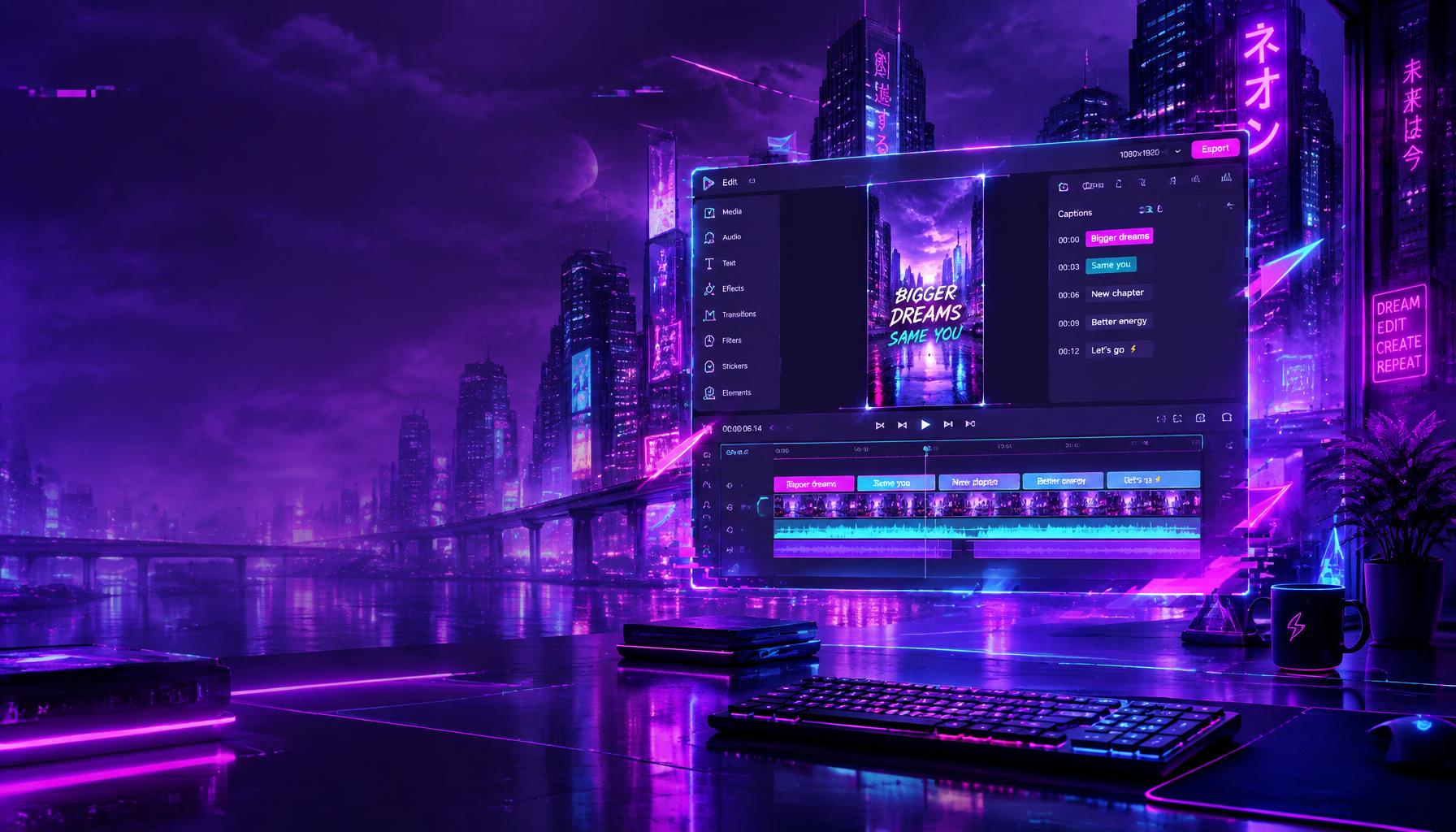
MPoint Motion is an AI video editor for short videos like TikToks, Reels and Shorts. Upload a raw recording, tell the AI what you want in plain words, and it edits the video for you. It adds captions, cuts, zooms, effects, extra footage, music and more. No editing skills needed.
How it works
From raw footage to ready to post
- 01
Upload your footage
Send a 1–3 minute recording from your phone or camera.
- 02
Describe the vibe
Say what you're going for, like "high-energy promo," "calm walkthrough" or "found-footage horror."
- 03
AI does the first edit
It writes the captions, cuts out pauses, and adds zooms, effects and extra footage.
- 04
Chat to change anything
Type things like "cut 4 to 6 seconds," "add clip 2 at the end" or "make it night time." The AI makes the change, even if you leave the page.
- 05
Fine-tune by hand
Use the timeline, filters, text, speed, volume and voiceover tools.
- 06
Export and post
Download a vertical video that's ready to post.
Features
Everything a short video needs
Automatic captions
Word-by-word captions synced to your voice.
Smart cuts
Removes pauses, mistakes and dead air.
Zooms and effects
Punch-ins, shakes, flashes and 3D text callouts.
AI-made footage
Creates new clips from a description to support what you're saying.
Photos that move
Turns a still photo into a short video.
Scene changes
Change the location, time of day, clothes or background in part of a clip. Compare it with the original before you approve.
Add your own clips
Add extra footage anywhere and the video gets longer. Nothing gets covered up.
Transitions
Knockout, blackout, cinematic cuts and more.
Looks and filters
Color presets, plus a found-footage camcorder look with a custom date and time stamp.
Text and stickers
Add titles and labels anywhere.
Music and voiceover
Add a soundtrack or record a voiceover right in the editor.
Translation and AI dubbing
Translate captions and dub your voice into other languages.
Picture pop-ups
Images appear exactly when you mention them.
Website walkthroughs
Put your website on screen behind you, green-screen style.
Speed control
Play the whole video from 0.5x to 2x.
Move pieces around
Split, trim, delete and rearrange parts of the video.
Producer workspace
Plan bigger productions with an AI-written creative brief and scene-by-scene edits.
Built for teams
Private, secure and shared
Private workspaces
Each team has its own workspace. No other team can see your videos.
Team accounts
The owner adds teammates and decides who has access.
Usage tracking
See videos made, AI credits used and recent activity at a glance.
Secure sign-in
Each person signs in with your team's Group ID, their email and their password.
Why your team will love it
More videos, less work
Save hours on every video
What used to take an editor a whole day now takes minutes.
No editing skills required
If you can type what you want, you can make a professional video.
Post more often
Turn one recording into several finished videos for TikTok, Instagram Reels and YouTube Shorts.
Look consistent
Every video gets the same polished captions, pacing and style.
Make commercials without a film crew
Change locations, add scenes and create footage that would normally need a shoot.
Reach more people
Translate and dub your videos for audiences in other languages.
Keep control
Every AI change can be reviewed, adjusted or undone.
Perfect for
Made for the way you post
Social media
Daily TikToks, Reels and Shorts that keep people watching.
Commercials and ads
Short promos with effects, extra scenes and music.
Recruiting and staffing
Job posts, company culture videos and website walkthroughs.
Product demos
Show your website or product on screen while you explain it.
Personal brands
Content creators who need to post fast and look professional.
Multilingual campaigns
One video, many languages.
Get started
Request access
MPoint Motion is available to teams by invitation. Fill out the form to set up your team's private workspace with the number of accounts, videos and AI credits you need.